

Attachments Summary - (External)
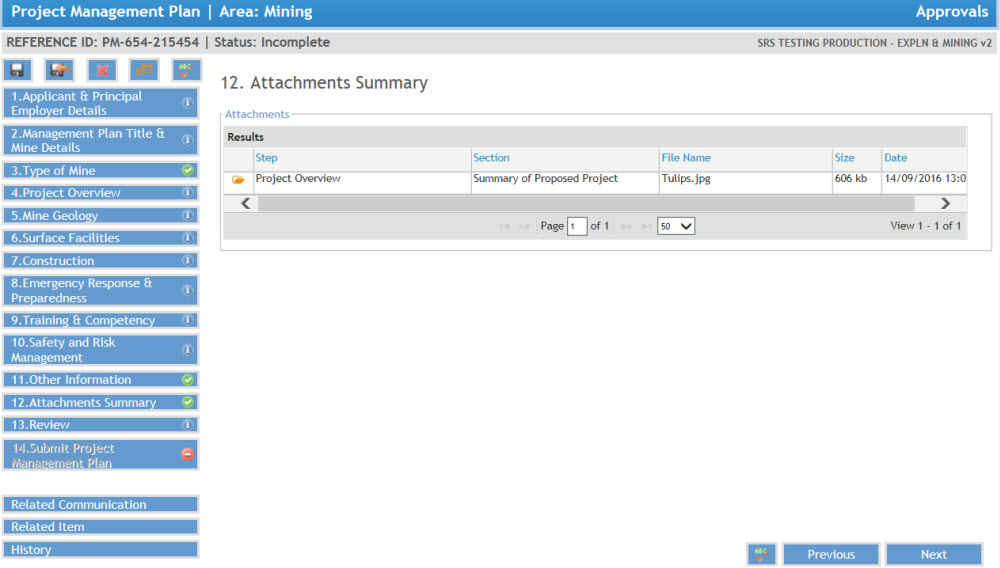
This page provides information on the attachments to be included in a PMP submission.
FAQs
Can I view the files I've attached?
Yes. If the open icon is clicked once, the attached file can be viewed.
How can I find the number of attachments?
The number of attachments is displayed at the bottom right of the grid.
How can I manipulate the information in an Attachment Summary list?
Select the column border to resize the column width. This may allow you to view more information on the screen.
Select the scroll bar at the right of the grid to view more records.
How do I attach a file to the approval?
For instructions on how to attach a file to an approval submission, review the help guide section titled Include File Attachments.
 Previous Page