

Injury / Ilness Summary - (External)
This is the landing page for Injury / Illness Reports submitted under the Act - WHSA 2020 and MSIA 1994.
From 31/3/22, the (auto generated) Injury Report Form (IRF) can be submitted to the Department, one (1) day following the submission of the Notifiable Incident Report Form (NIRF) for the associated injury.
From 31/3/22 you will no longer be able to select Injury Report from the selection dropdown 'on or after 31/03/22'. The IRF(s) will be automatically generated on the submission of a Notifiable Incident Report Form, for the associated injury(s).
Industry can only create a manual IRF (available for selection from the Lodgement page 'Notification and Incidents') upto 31/03/22.
External users will require SRS access and security roles to Notifiable Incidents and Injuries. Contact your SRS Company Administrator at your mine operation or Exploration Company.
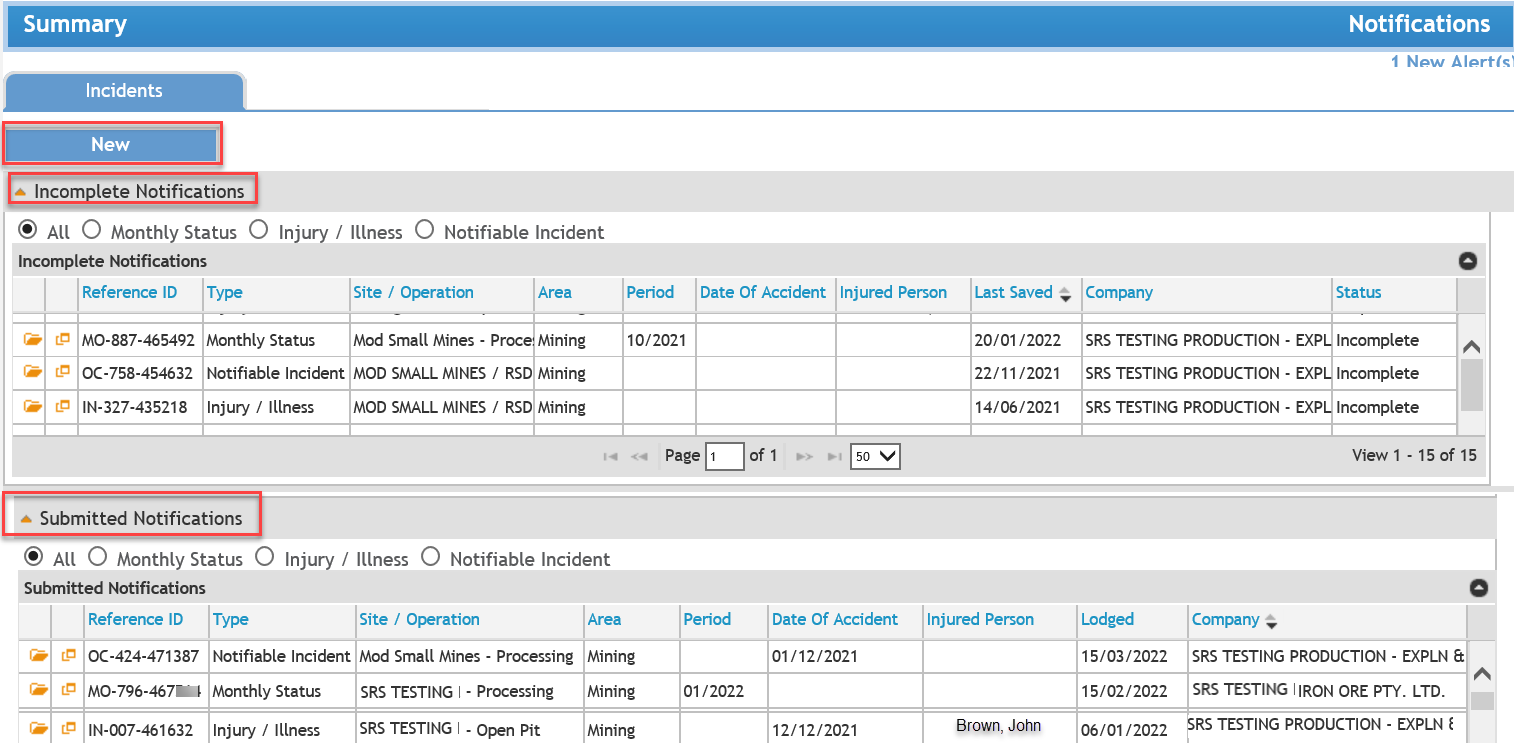
INJURY / ILLNES REPORT FORMS under WHSA 2020
On or after 31/3/22 Injury Report forms are auto-generated by the system on the submission of a Notifiable Incident Report Form (NIRF).
Note: Injury report forms cannot be 'manually' created after 31/3/22.
Click the here for information on how to create an Incident / Injury / Status Report. This takes you to the Lodgement page.
INJURY / ILLNESS REPORT FORMS under MSIA 1994
To submit a (stand-alone) Injury (i.e. those not associated with and Incident) on or before 31/3/22.
Click the here for information on how to create an Incident / Injury / Status Report. This takes you to the Lodgement page.
 Previous Page