OCCURRENCE REPORT FORM
Quick Start
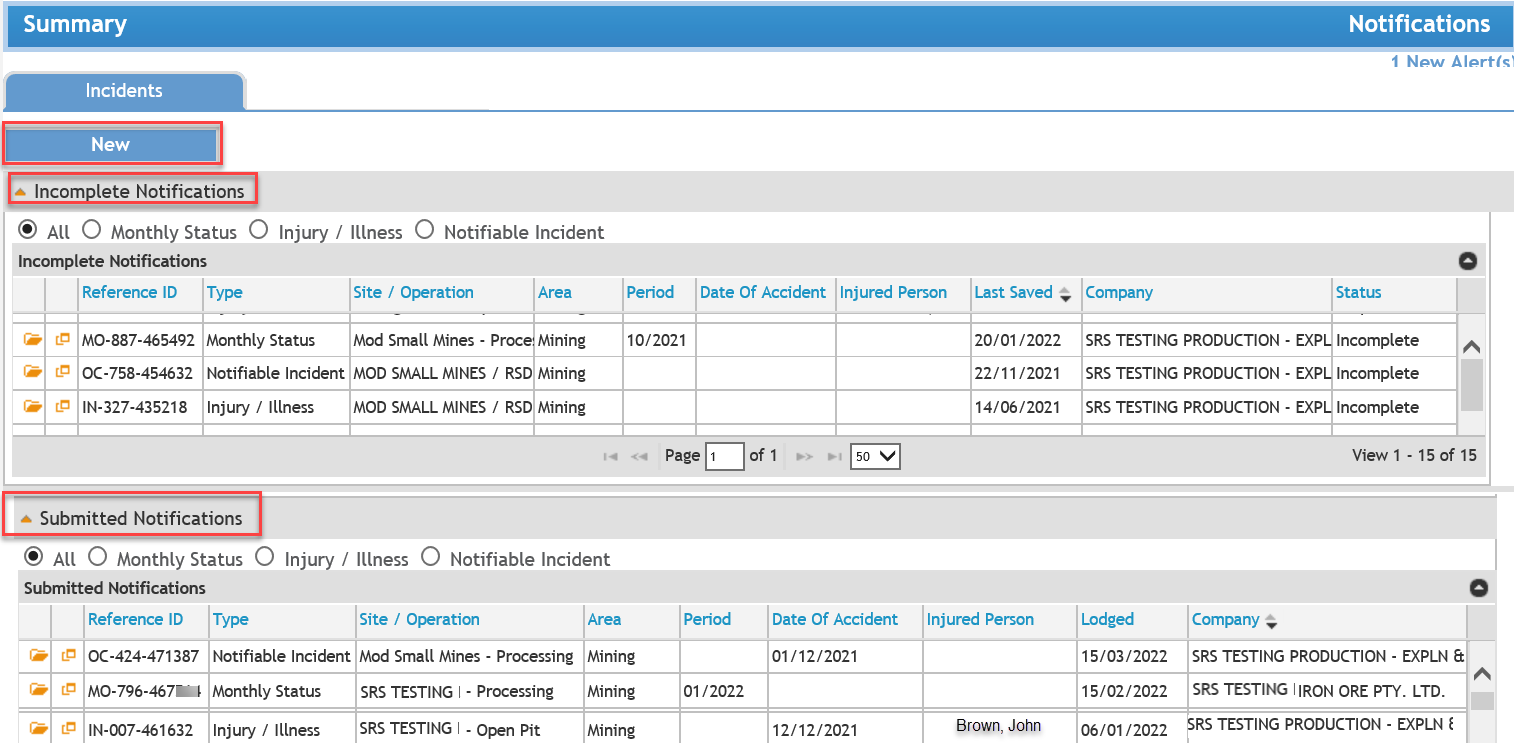
To create an Occurrence Report Form, complete the following:
- Reporting Details - enter details on company, site details and submitter.
- Type, Date and Time - enter details on incident type, date and time.
- If check box for Type 3 (fire) has been ticked then extra steps will apply;
- Rescue - enter details of rescue methods
- Cause - enter details of fire (including vehicles)
- Extinguishment - enter details of all types used
- If check box for Type 3 (fire) has been ticked then extra steps will apply;
- Location and Activity Specifics - enter details on location of accident, detailed location on site, GPS co-ordinates (if known) and activity specifcs.
- Description and Impact - enter incident description and number of injured/fatalities.
- If Impact included injured persons or fatalities then an extra step will apply;
- Injury/Fatality Details - enter details of all injured/deceased persons
- If Impact included injured persons or fatalities then an extra step will apply;
- Other Information - enter additional information and file attachments.
- Review - identify any errors preventing submission, or warnings.
- Submit Notification - the completed notification is submitted for processing on clicking the <Submit> button.
-
Ensure compulsory fields marked '*' are completed.
-
Navigate through the steps using the <Previous> and <Next> buttons or the Wizard steps on the left.

Previous Page